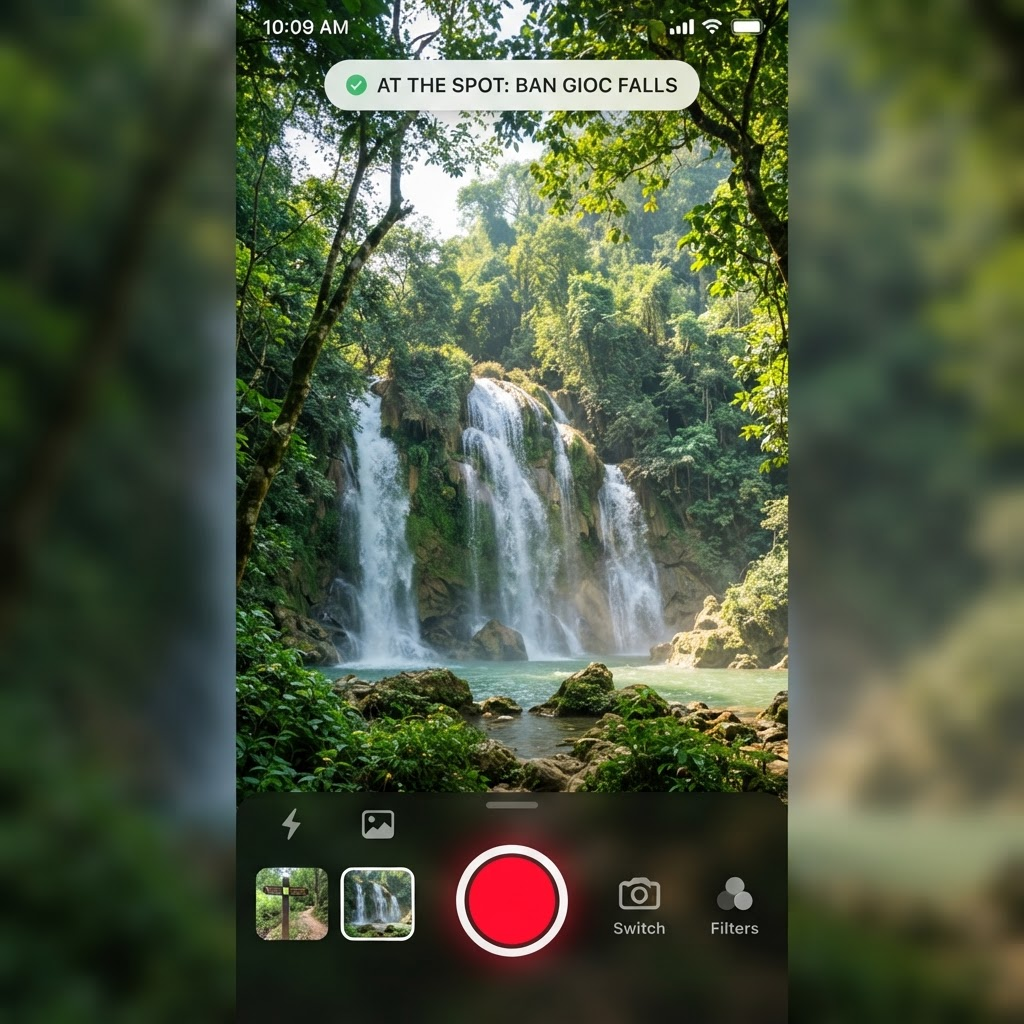
In Tripsi, a spot isn’t “verified” because someone typed a name. It’s trusted when explorers capture it on site with real photos.
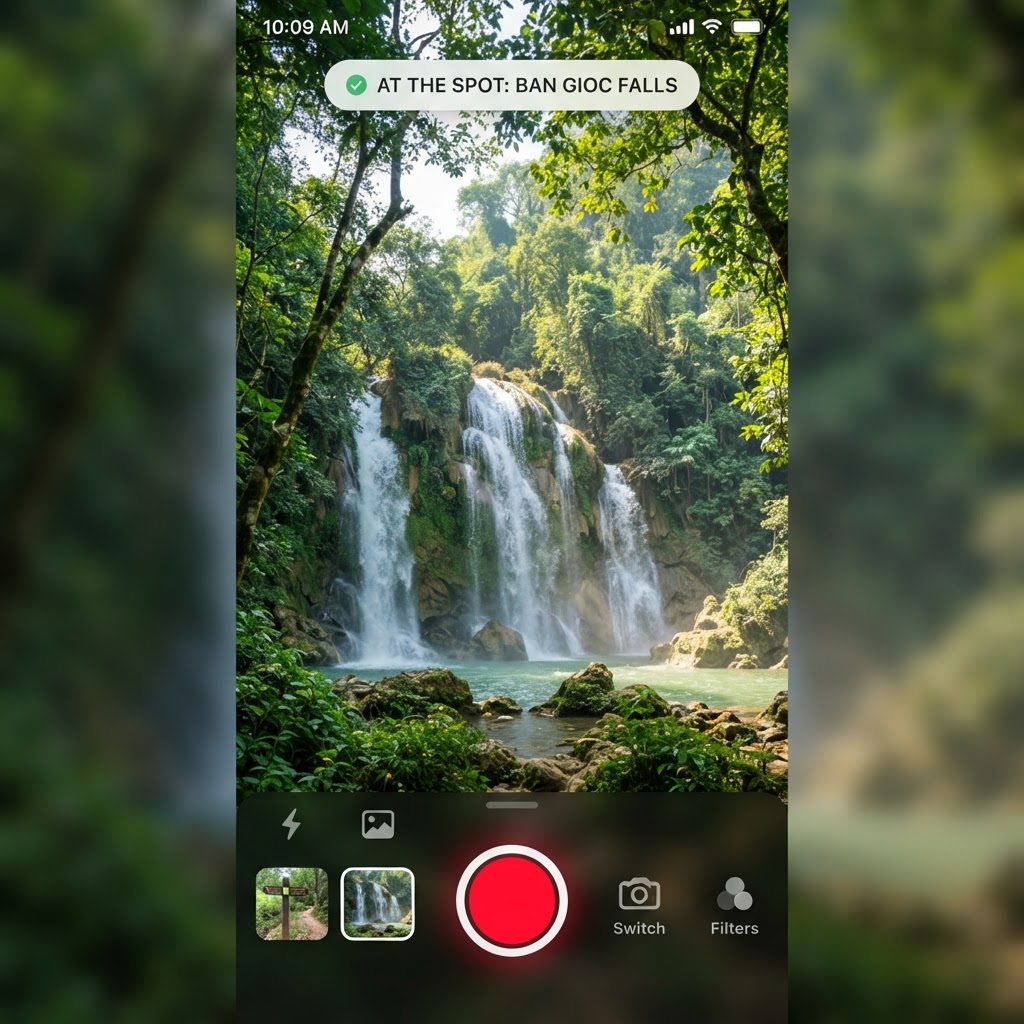
The capture loop
- Open capture and find nearby spots on the map.
- Get within range (or use remote capture when enabled).
- Add 1–6 photos taken at the place — no stock, no recycled shots.
- Save. Your capture lands in your journal and helps the next traveler.
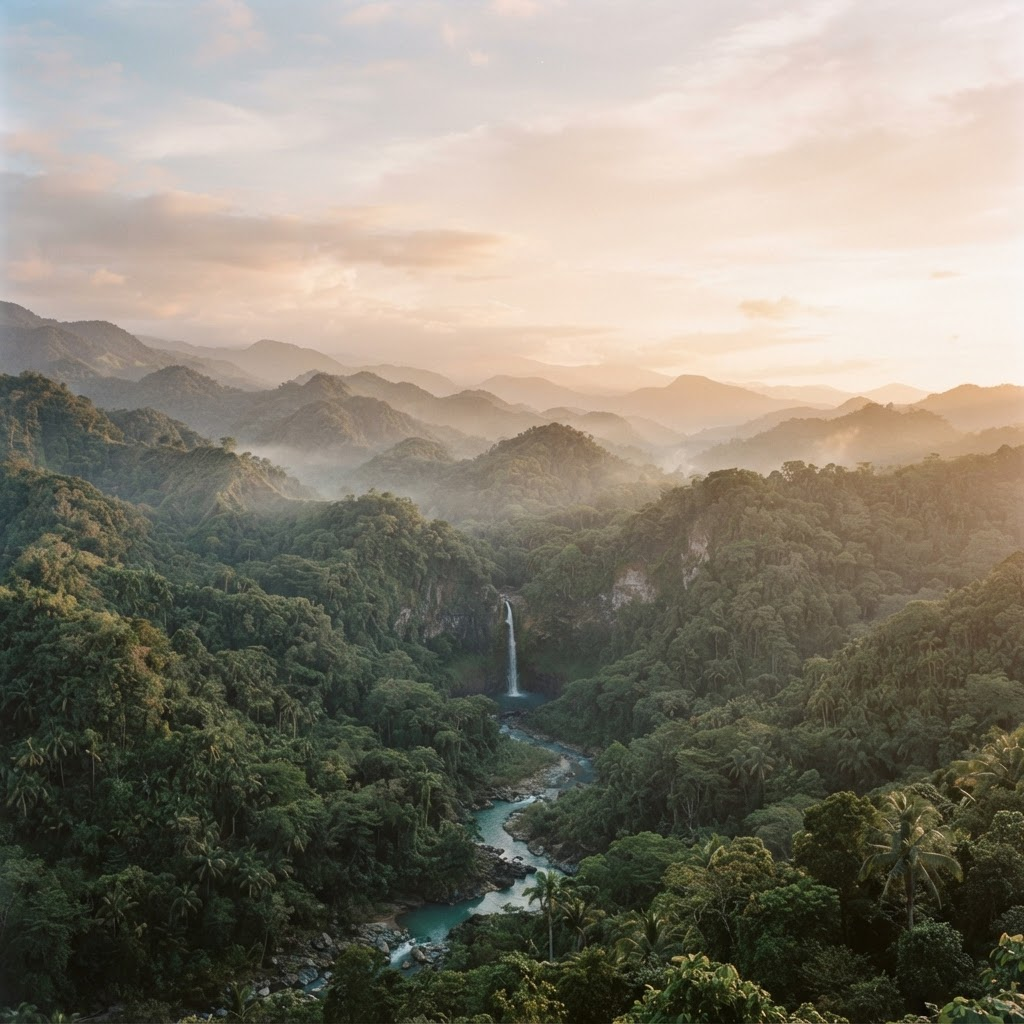
Why on-site matters
Photos from the place answer the questions lists never do: Is the trail open? Is access rough? Does it still look like the brochure?
Every honest capture makes Tripsi more useful for the community.